

Why Mosra
A lesson should not be a file chase.
The common pain is not a lack of tools. It is the friction between them.
01
Content takes too long to turn into a lesson
Slides, checks for understanding, and follow-up results often live in separate tools.
02
Learners stay passive
A polished deck is useful, but it does not tell you who understood the point.
03
Results are hard to act on
After the session, teams still need a clear view of answers, attempts, and progress.
Create the lesson
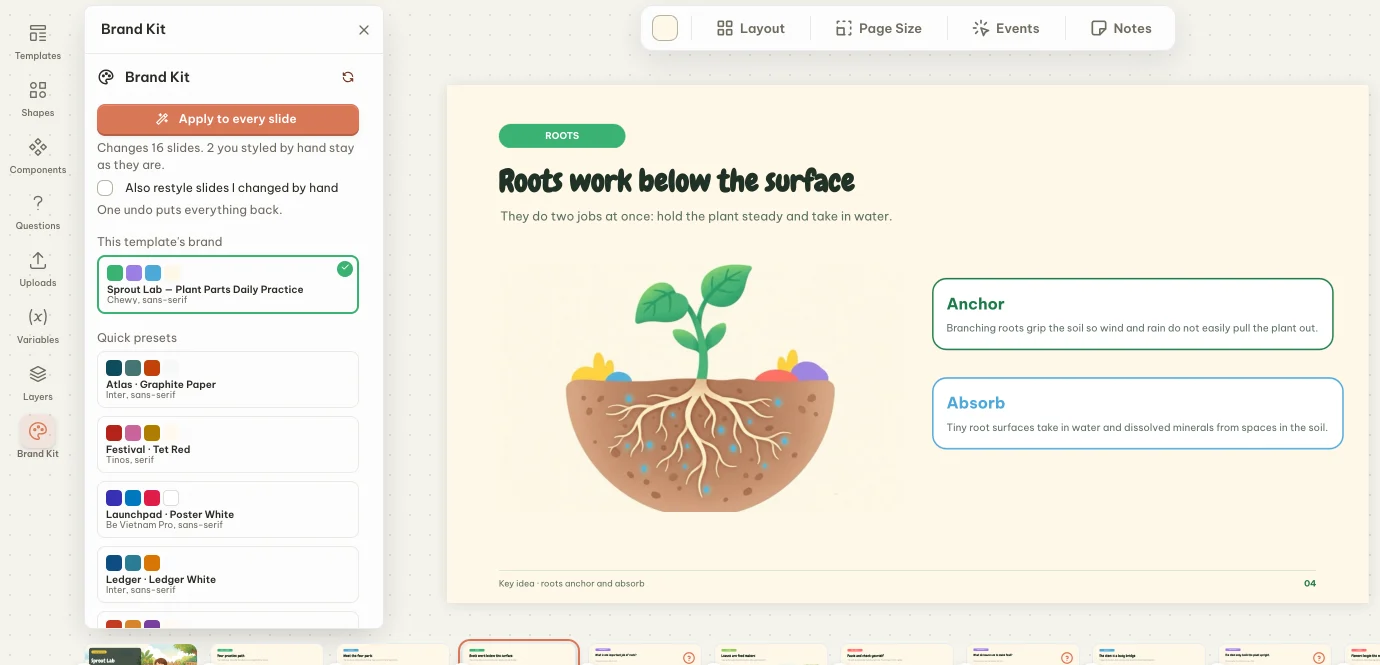
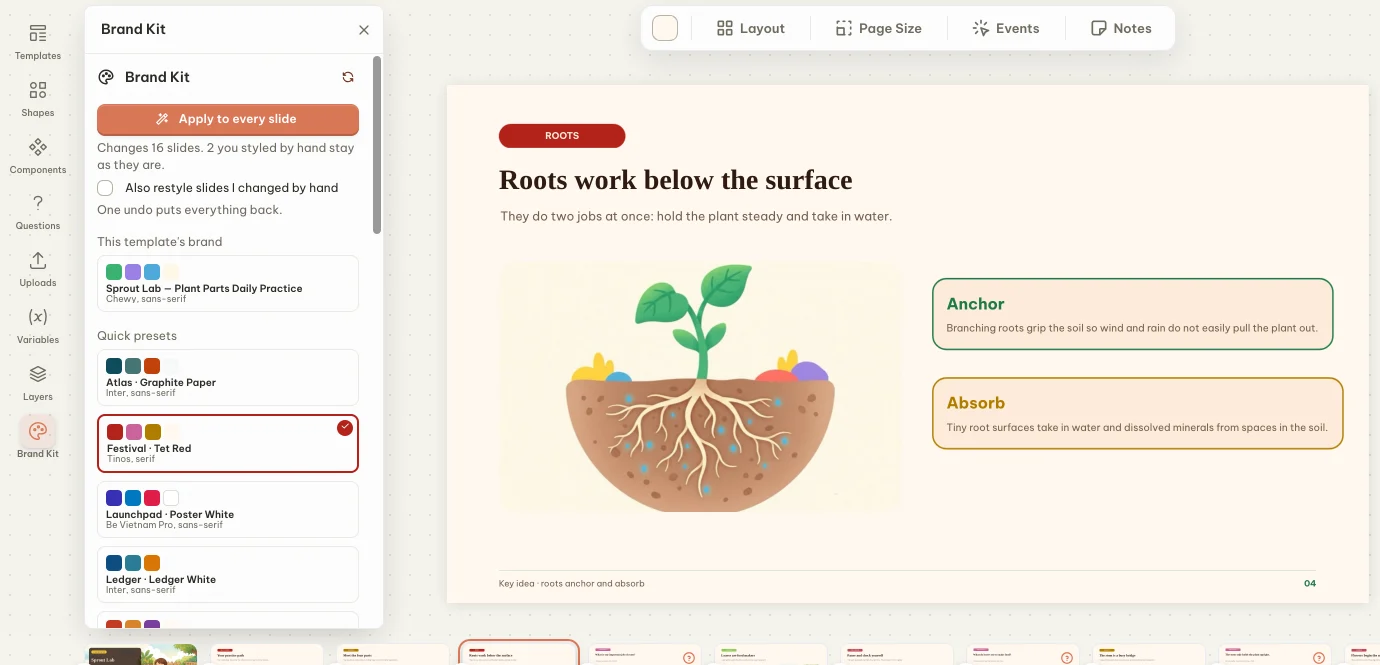
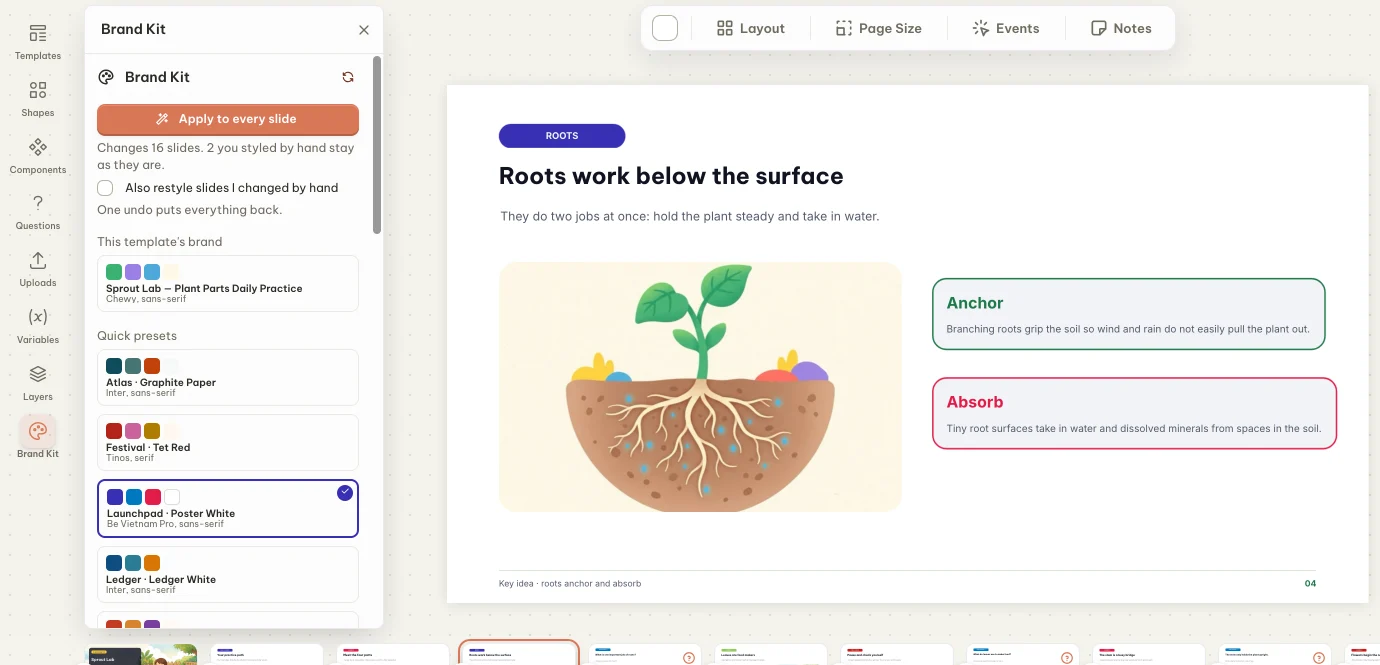
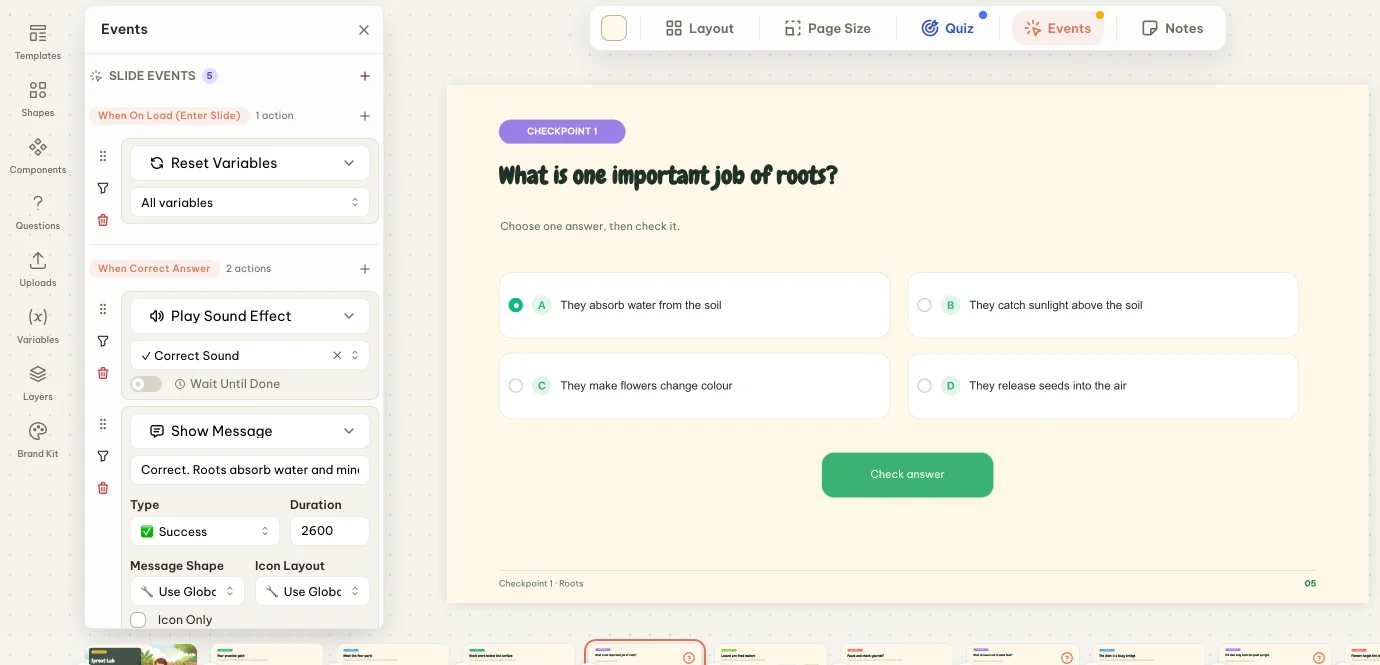
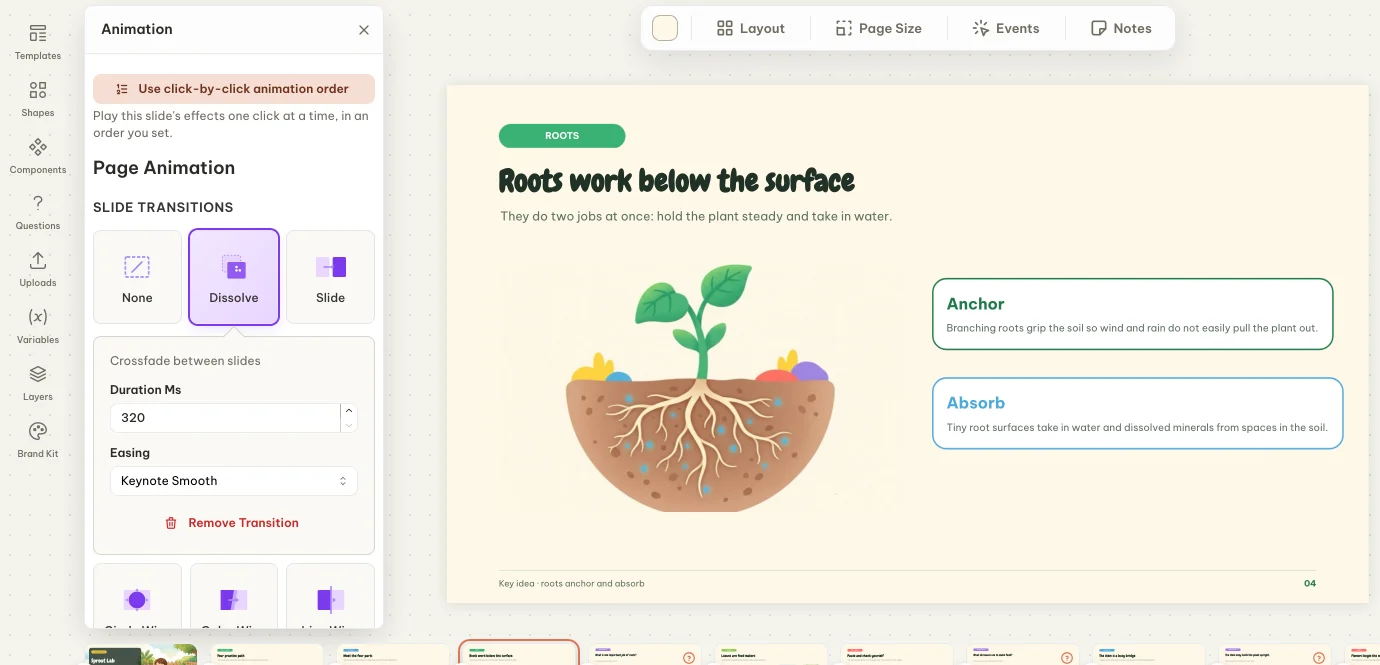
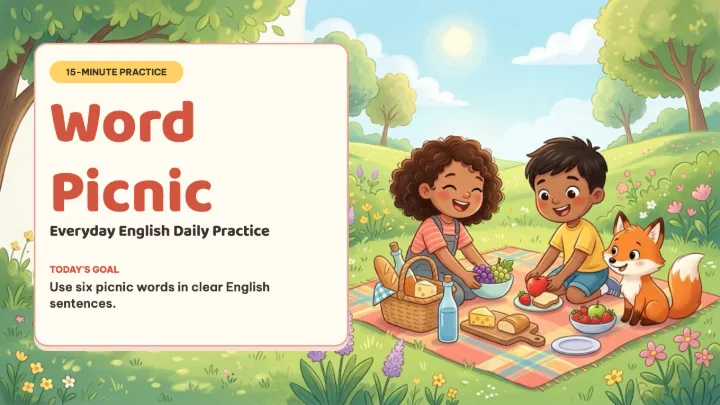
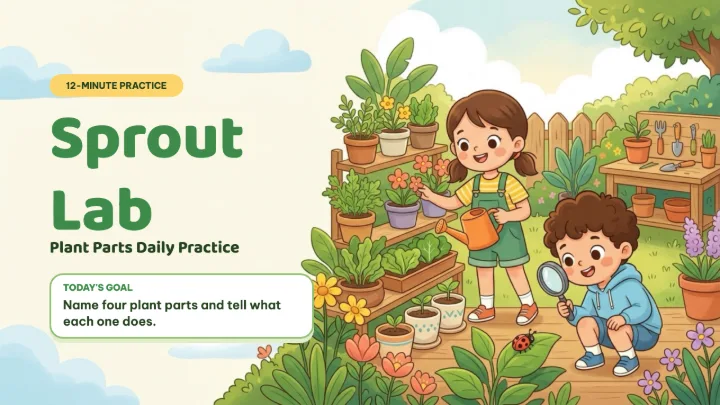
Design slides with text, media, shapes, charts, math, animations, and reusable templates.
Ask inside the flow
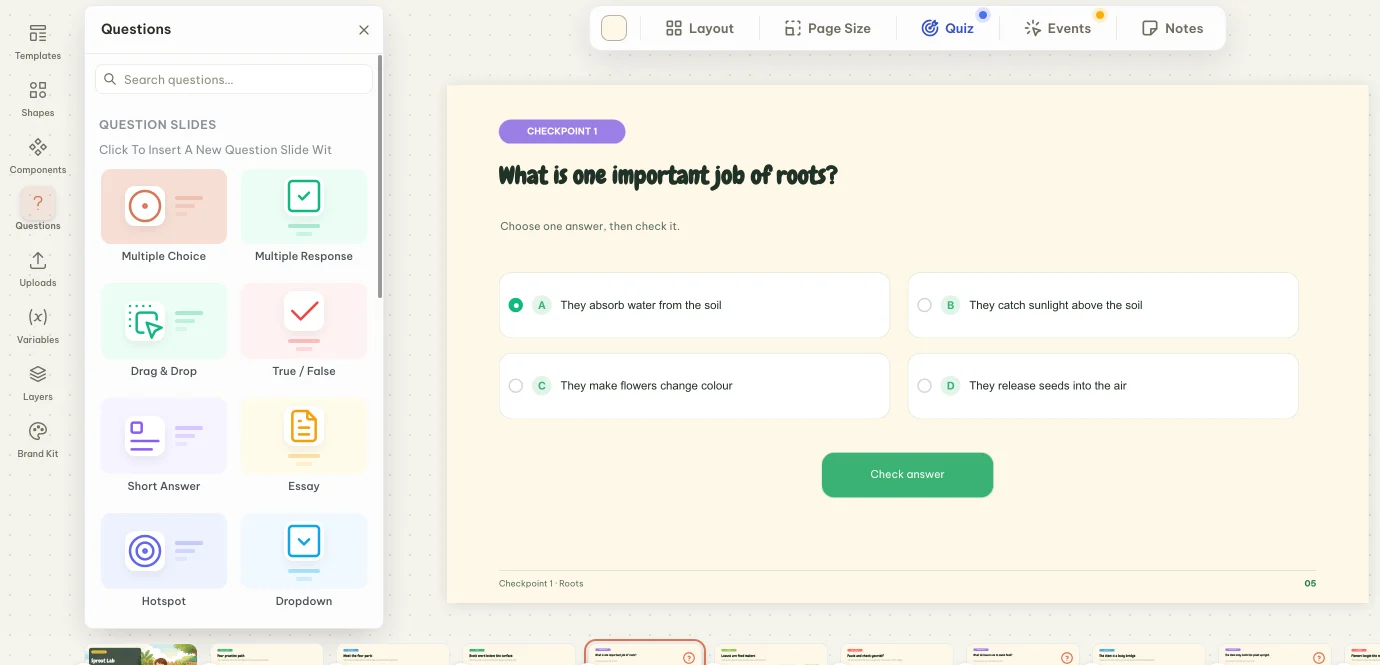
Add quiz, survey, and learning activity screens where attention naturally peaks.
See what landed
Review scores, attempts, question results, and learner progress from the same workspace.
Interactive questions
Ask before attention fades.
Add a quick check, a practice activity, or a survey without sending learners to another tool.
Quiz
Multiple choice
Multiple response
True / false
Reorder
Fill in blanks
Matching
Short answer
Labeling
Hotspot
Anagram
Survey
Poll
Word cloud
Open-ended
Scales
Ranking
Q&A board
Activities
Memory
Word search
Random wheel
Open the box
Balloon pop
Share and measure
Present it. Send it. Learn from it.
Mosra is built for the full path from lesson creation to learner response.
Share a live link
Send learners straight into the player, or present live when the room needs momentum.
Download the right format
Export to PDF, PowerPoint, HTML5, PNG, or SVG when the lesson needs to travel.
Review attempts
Open reports to see performance by learner and by question after the session.
Use cases
For rooms that need a response.
Use Mosra wherever the job is not just to show information, but to know what people took from it.
01
Classroom lessons
Teach a concept, check understanding, and collect quick feedback before moving on.
02
Team training
Build onboarding, compliance refreshers, and internal workshops with measurable outcomes.
03
Workshops and events
Keep the audience involved with polls, ranking, Q&A, and fast recap reports.
Build the lesson. Get the signal.
Start with a blank canvas, a template, or a quiz. Keep the workflow simple enough for daily teaching and training.