
App Walkthrough
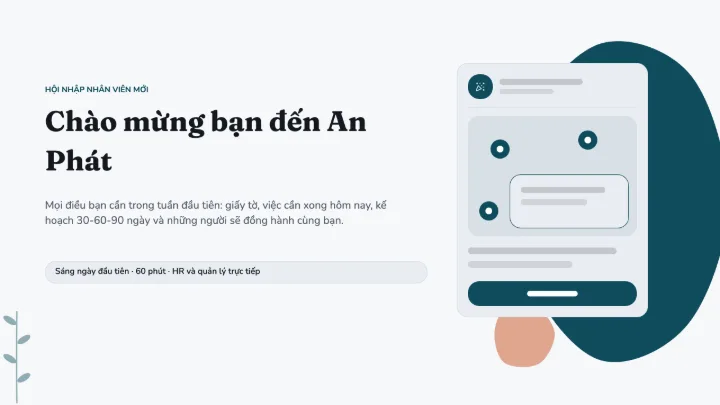
A product tour that zooms into your app's screen step by step, with a focus ring, cursor and tips.
7 slidesMorphFree
 Loading the live preview…
Slide 1 of 7
What is inside
- A cover, agenda, section dividers and a closing slide
- Content layouts for text, photography, comparisons and timelines
- Charts and tables wired to editable data, not flat images
- Interactive blocks — quiz questions, hotspots and drag-and-drop — that report to your LMS
Who it is for
Customer success teams, trainers and product teams onboarding new users or demoing software.
How to use it
- Open the template. It is copied into your account as a new deck.
- Replace the placeholder text and swap in your own images.
- Export to SCORM, cmi5 or PowerPoint — or share the interactive link.
Categories
Start from a template, not a blank page
Free to use. You need an account so the deck has somewhere to live — nothing else.